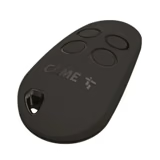
Came TOP series remote controls are among the most widely used. In this article we show how to copy them, store them directly in the control unit, or replace their batteries.
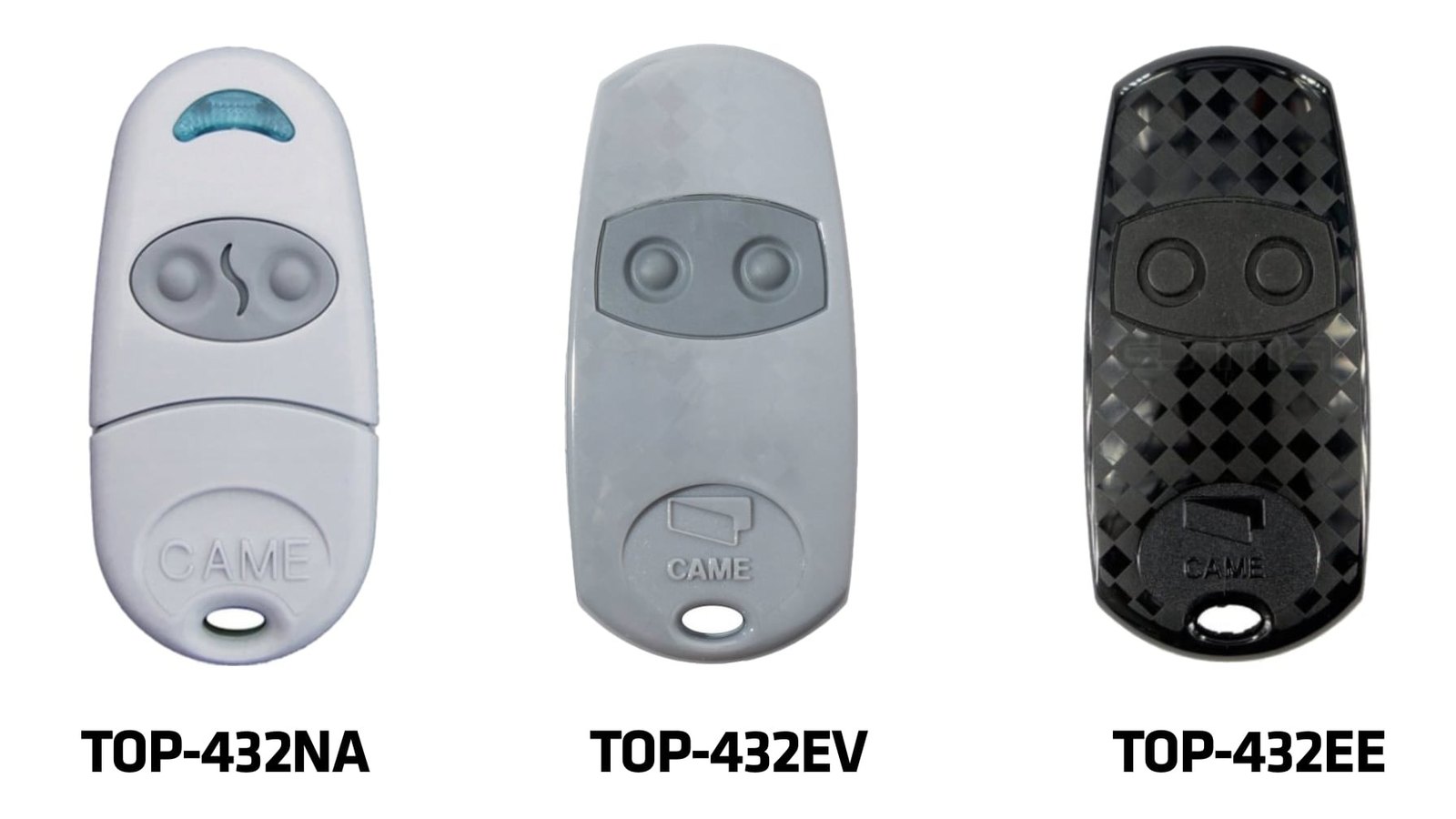
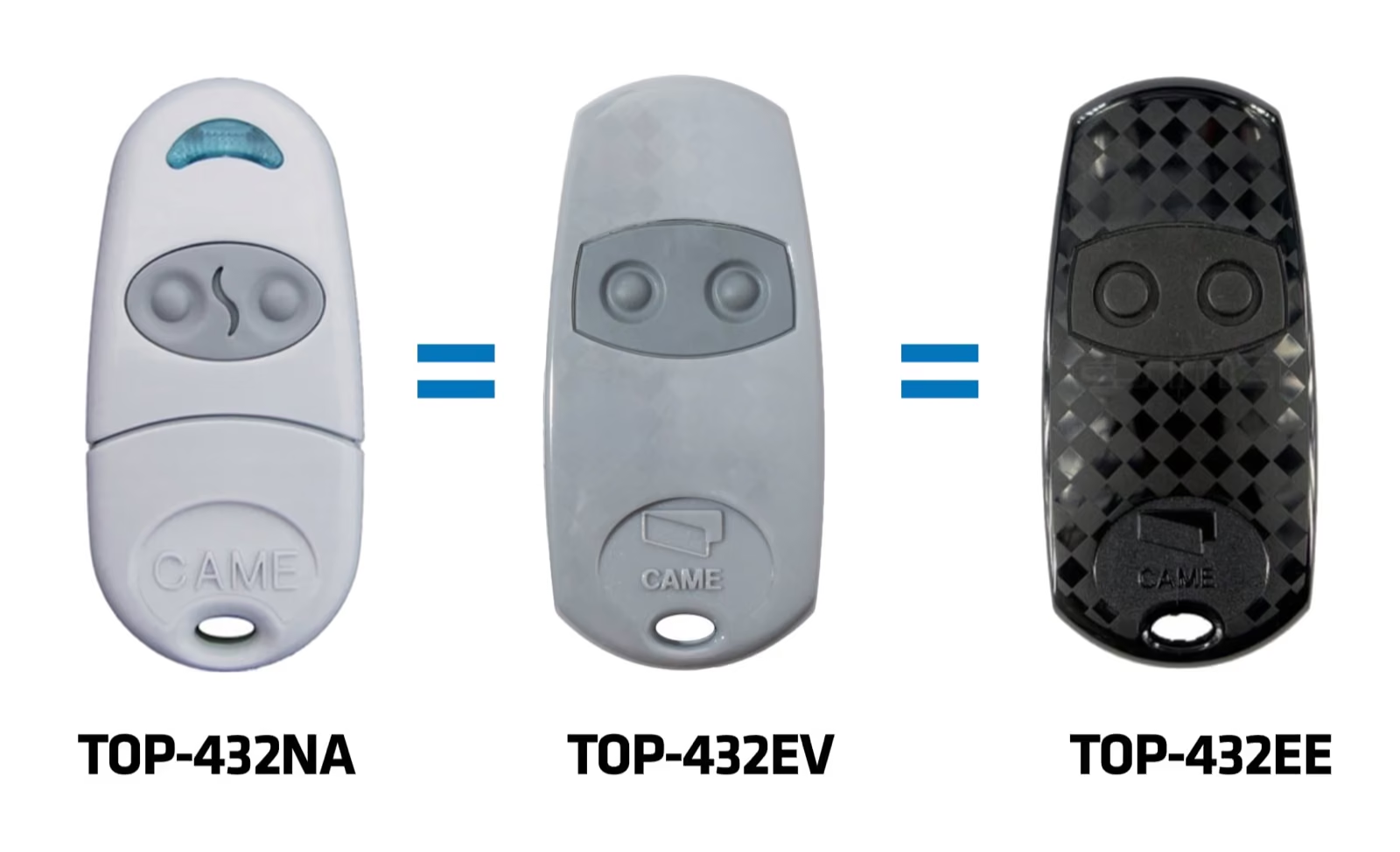
Came TOP-432NA-EV-EE: always the same, just in a different casing
To begin with, it is good to know that all the types listed above have the same "insides" and are simply packaged in a different casing. Over the years the manufacturer has "improved" the design of the remote controls. So if you have a light grey remote control, it is fully compatible with the current black design.
The advantage of this series is the simple copying procedure. Compared with other manufacturers, the remote controls are relatively resistant to damage and also have a long battery life. Replacing the batteries takes only a few minutes.
Copying Came TOP/TAM series remote controls
Copying fixed-code Came TOP or TAM remote controls is one of the simplest and quickest procedures. The remote controls can be copied from one to another and you do not need to be near the operator, unlike with Nice remote controls.
The procedure is as follows:
- On the new remote control, press and hold both top buttons until the LED starts flashing quickly.
- Release the buttons and press briefly, once, the button to which you want to save the code.
- On the original remote control, hold for about 5 seconds the button whose code you want to transfer to the new remote control.
- Repeat the same procedure for the second button.
- Done!
Erasing / writing Came TOP/TAM series remote controls to the control unit memory
Storing a remote control in the memory of the control electronics is necessary, for example, if there is no working remote control left for the Came operator in question. The procedure is also suitable if you need to overwrite/erase the receiver memory on the operator's control unit, for example when a remote control has been lost. The condition is a brand-new remote control, or one that has never been used with this operator. An AF43S receiver card is also required, which must be fitted in the main control unit.
The procedure is as follows:
- On the control unit, find and press the PROG or CH1 (channel 1) button – the red LED on the control unit starts flashing
- At the same time, press and hold for a few seconds the button on the new TOP remote control – the flashing LED stays lit
- Done – the new code has been successfully written to the receiver memory, and the original code has been erased at the same time.
Replacing the batteries in a Came TOP/TAM series remote control
Although Came remote controls are among the most durable when it comes to battery life, the time to replace the batteries will come eventually. Most Came TOP remote controls are/were powered by two CR2016 button batteries – the LED on the remote control flashes red. Only the latest series of Came TOP remote controls, from 2021, contain just one CR2032 battery – the LED on the remote control flashes white.
Warning: Always use the correct type of battery, according to what is currently in your remote control.
Note: The remote control stays functional after the batteries are replaced.
Related products
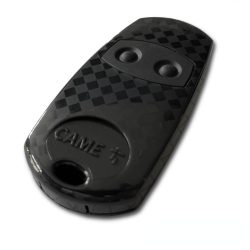
Came TOP-432EE remote control, 2-channel, fixed code, 433 MHz
Kč490.00 View product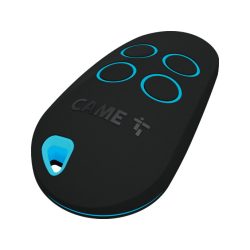
Came TOP44RBN remote control, 4-channel, rolling code, 433 MHz
Kč514.00 View product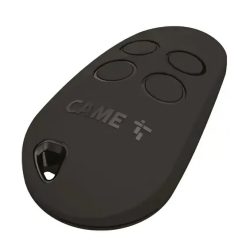
Came TOP44FGN remote control, 4-channel, fixed code, 433 MHz
Kč696.00 View product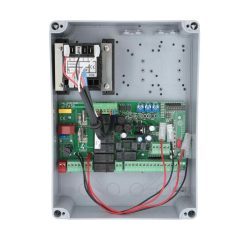
Came ZA3P control unit, extended functions, with transformer in ABS enclosure
Kč4,598.00 View product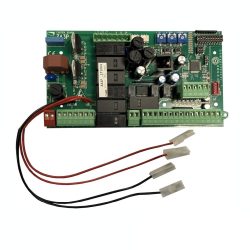
Came ZA3P control unit, extended functions
Kč4,235.00 View product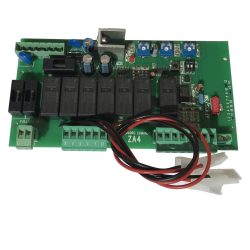
Came ZA4 control unit
Kč4,156.00 View product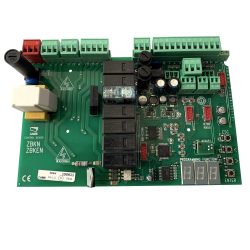
Came ZBKN control unit, new type
Kč4,386.00 View product